


Live Home 3D: House Design
4.059.00 Reviews
App Specs
- Version
- 4.12.1 (1705)
- Updated On
- License
- Free
- Downloads
- 1,000,000+
- Developer
- Belight Software
- Categories
- House & Home
- Platform
- Android, iOS
Screenshots

 Analysis by AppCompare
If you're anything like me, you've probably spent countless hours dreaming about your perfect home—imagining every nook and cranny. Well, guess what? Live Home 3D: House Design is here to turn those dreams into a semi-reality, right on your smartphone. This app is like having a pocket-sized architect that lets you play around with design ideas without breaking a sweat—or the bank. Let me take you through my personal experience with this nifty app.
A Dive into the Features
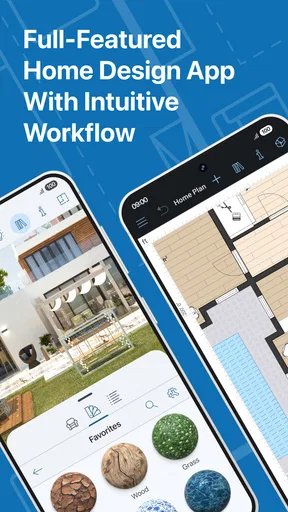
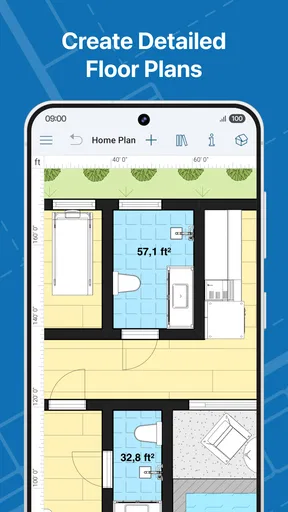
First off, the user interface is pretty intuitive. When you open Live Home 3D: House Design, you're greeted with a clean layout that doesn't overwhelm you with options. It's kind of like walking into a well-organized studio where everything seems to be in its right place. From the get-go, you can choose to draw floor plans, furnish your rooms, or even render 3D views. It's like having a mini design studio in your pocket.
One feature I found particularly cool is the augmented reality mode. Imagine being able to walk through your future home before laying a single brick! Just pop on your phone camera, and you can see your designs come to life in your actual space. It's a bit like magic, and I found myself spending a good chunk of time just exploring this feature alone. It’s a great way to make sure your ideas don’t just look good on paper but also fit well in reality.
Customizing Your Dream
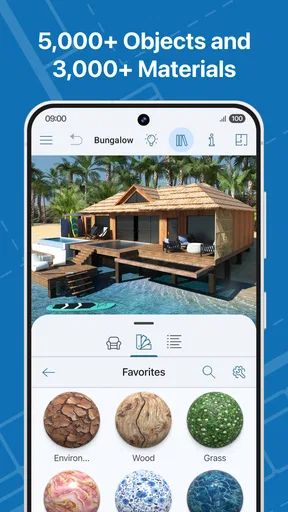
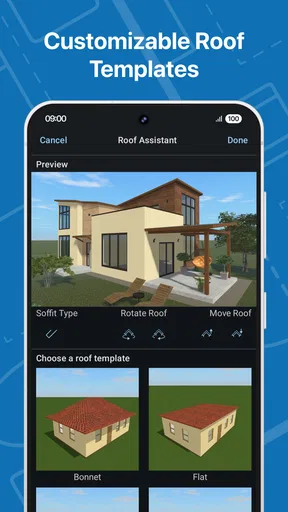
Now, let's talk customization. The app provides a pretty vast library of furniture and decor items. Whether you're into modern minimalism or eclectic boho, there's something for everyone. You can tweak everything from wall textures to furniture colors. It’s like being a kid in a candy store, but instead of candy, you get an endless supply of decor options.
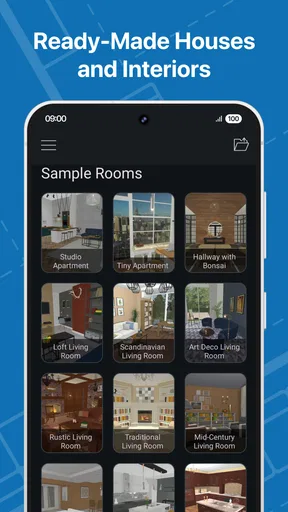
And for those of us who might not be design-savvy, there are pre-designed templates to kickstart your project. I found this really helpful when I hit a creative block. You can use these templates as a base and then modify them to suit your unique style. It's a fantastic way to get those creative juices flowing without feeling overwhelmed.
Rendering and Sharing
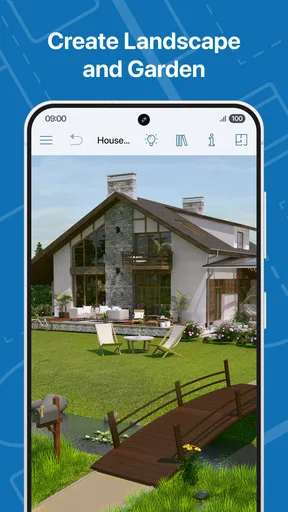
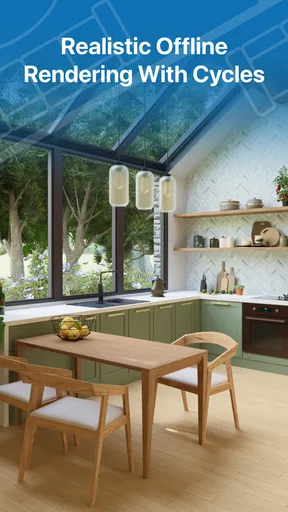
One of the highlights for me was the app's rendering capabilities. You can create stunning 3D renderings and even generate 360-degree panoramas. This feature is a game-changer, especially if you're someone who wants to visualize every detail. It's like stepping into your creation and experiencing it from every angle.
And let’s not forget sharing. Once you’ve crafted your masterpiece, you can easily share it with friends, family, or even your contractor. The app allows you to export your designs in various formats, making collaboration a breeze. It's a great way to get feedback and make necessary tweaks before moving forward with any real-world plans.
Worth Reading Before You Choose

Flipboard Shows What News Apps Must Do Beyond the Feed

Switching to Android Auto Means Rethinking Your Driving Routine

Google Calendar Makes a Crowded Week Easier to Manage

Ludo King Makes the Most of the Minutes Between Plans

Baby Panda World Brings Quick Play to Modern Phones, but Its Game Library Feels Busy

ESPN’s Live Game View Makes Following Close Games Easier
Why You'll Love It
So, why should you give this app a shot? If you're a budding interior designer or just someone who loves tinkering with home layouts, Live Home 3D is a treasure trove of possibilities. It's accessible, comprehensive, and just plain fun. Plus, the fact that you can carry it around anywhere means you can brainstorm whenever inspiration strikes.
But let’s be real, no app is without its quirks. While I had a blast exploring Live Home 3D: House Design, there were moments when the app felt a tad slow, especially with more complex designs. However, considering the range of features it offers, a little patience goes a long way.
In conclusion, Live Home 3D: House Design is more than just an app; it's an experience. Whether you're planning a renovation or just daydreaming about your ideal space, this app offers a creative outlet that's both engaging and rewarding. So go ahead and give it a try—you might just find that your dream home is a lot closer than you think!
Pros
- User-friendly interface makes design easy.
- Extensive library of furniture and decor.
- Real-time 3D walkthroughs enhance visualization.
- Cross-platform support for seamless access.
- Augmented reality feature for realistic views.
Cons
- May require in-app purchases for full features.
- High learning curve for complex designs.
- Performance can lag on older devices.
- Limited customization options for some items.
- AR feature requires a compatible device.
FAQs for Live Home 3D: House Design
What features does Live Home 3D offer for designing a home?
Live Home 3D provides a comprehensive suite of features for home design, including 2D floor plans, 3D rendering, customizable textures, and a vast library of furniture and objects. The app allows users to visualize their designs with realistic lighting and shadows, and even supports augmented reality to see designs in the real world.
Is Live Home 3D suitable for beginners in home design?
Yes, Live Home 3D is designed to be user-friendly for beginners while still offering advanced features for experienced designers. The intuitive interface and step-by-step tutorials make it easy to get started, and the drag-and-drop functionality simplifies the design process. Whether you're a novice or a pro, the app has tools to suit your needs.
Can Live Home 3D be used for professional projects?
Absolutely. Live Home 3D offers professional-grade tools and features that make it suitable for architects and interior designers. With high-quality 2D and 3D rendering, users can create detailed and precise designs. The app also supports exporting in various formats, allowing for easy sharing and collaboration on professional projects.
What platforms is Live Home 3D available on?
Live Home 3D is available on multiple platforms, including Android, iOS, macOS, and Windows. This cross-platform availability ensures users can access their projects across different devices, making it convenient for continuous work on the go. The app's cloud sync feature further enhances accessibility and collaboration.
Are there any costs associated with using Live Home 3D?
Live Home 3D offers both free and paid versions. The free version provides basic design tools and features, while the paid version unlocks advanced functionalities, including more complex rendering options and an expanded object library. Users can choose a subscription plan or a one-time purchase based on their needs and budget.


